


Full mobility
Check your progress, review activity,and manage your preferences anytime —from a clean mobile dashboard.
Profitable Investments, powered by AI

Stay consistent with a structured system — set goals, track progress, and get helpful insights in one place.
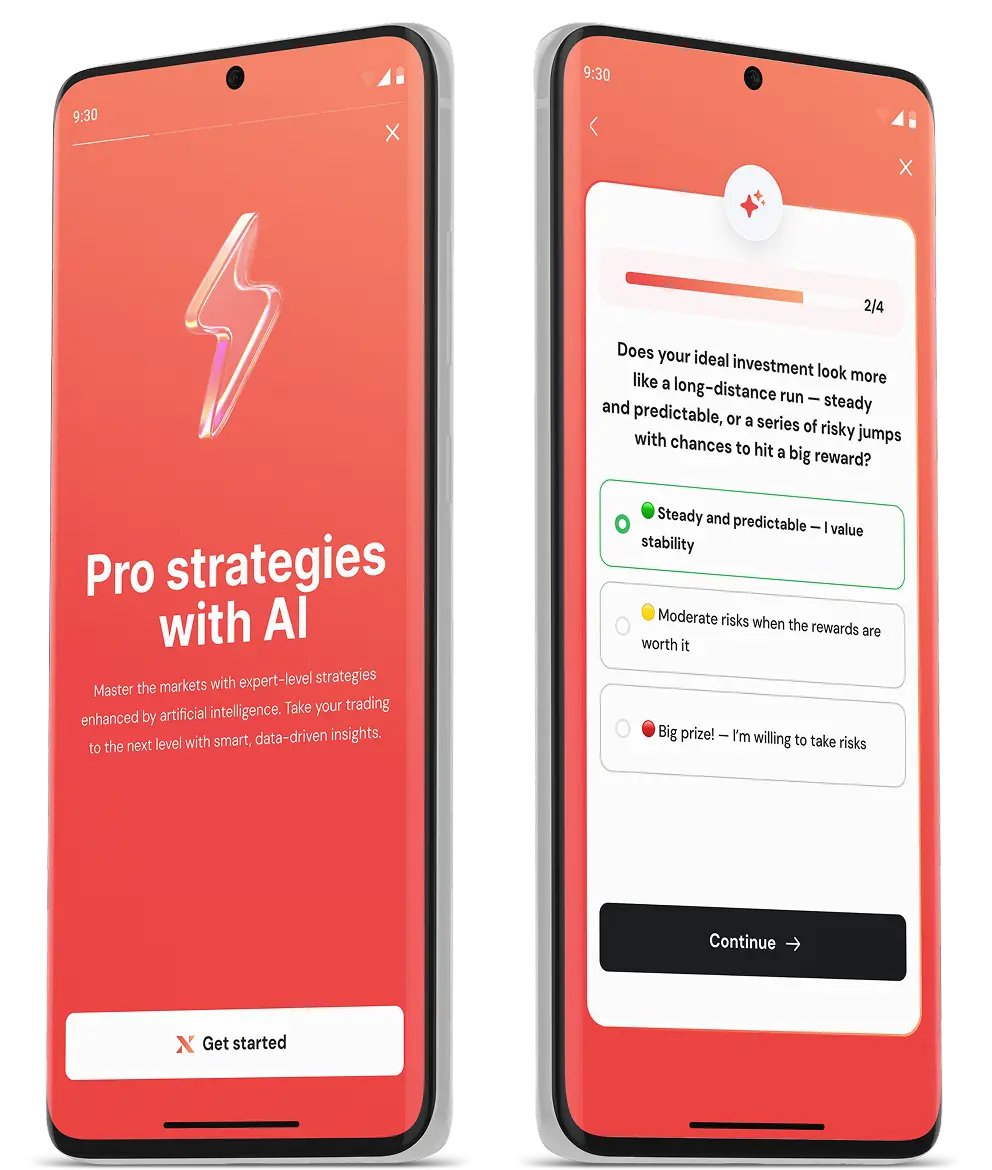
Open your account, set goals, follow key updates, and keep your plan organized — wherever you are.
Download XInvest on Google Play
Check your progress, review activity,and manage your preferences anytime —from a clean mobile dashboard.
Get personalized educational promptsand structured insights based on your profile and goals — so you always know what to focus on next.
Monitor your activity and key metricsin one place. Simple visuals, transparent history, and easy navigation.
Mobile App
Whether you’re learning, tracking your progress, or reviewing updates — XInvest helps you stay organized and informed on the go.
Download XInvest on Google Play⏳ Registration takes less than 1 minute
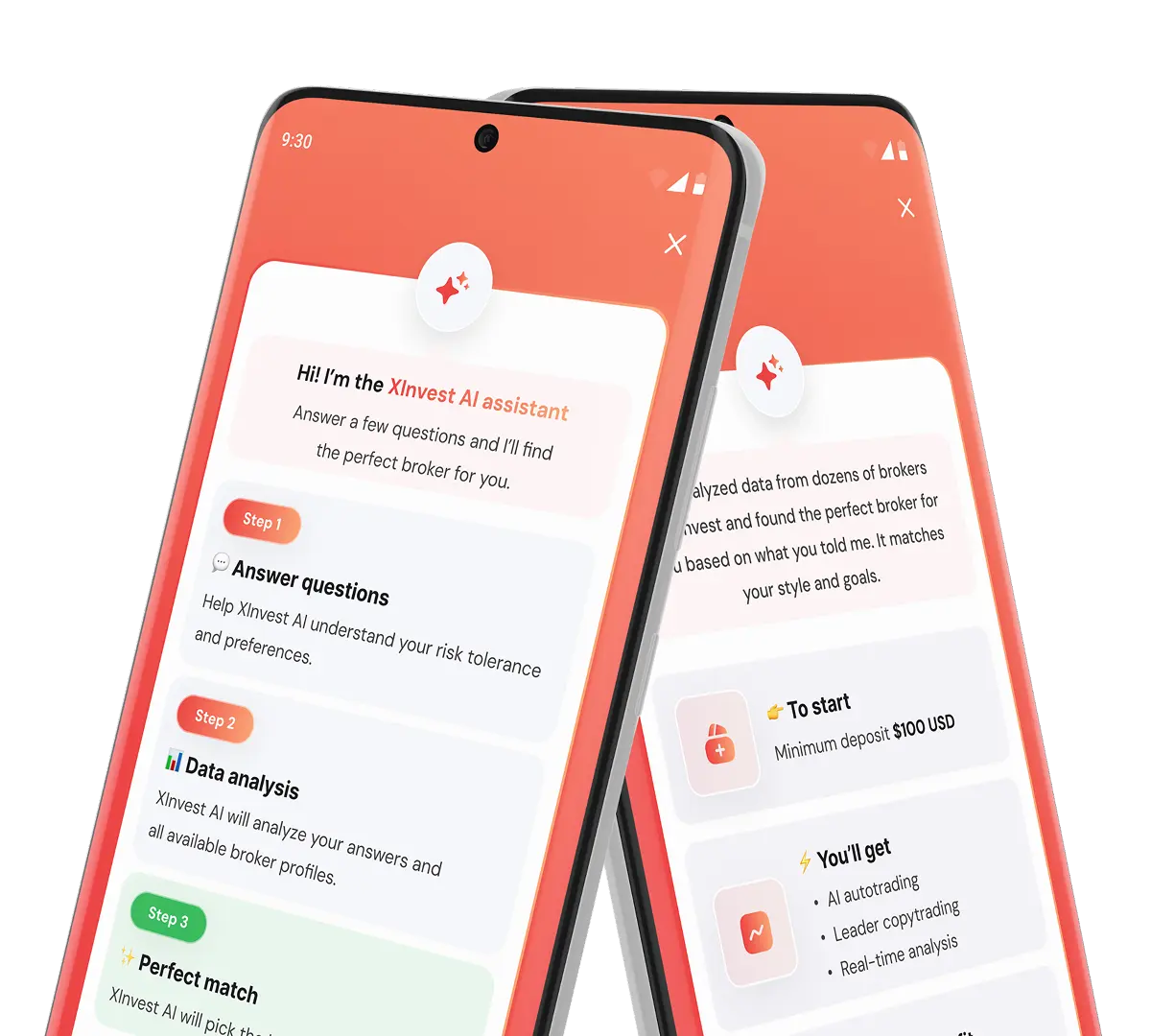
A short setup helps you define your goals and preferences.
Clear steps that support consistency over time.
I’ve analyzed data from dozens of brokers on XInvest and found the perfect broker for you based on what you told me.
Helpful explanations and updates in plain language.
You can adjust preferences anytime and see what’s happening in your account.
Quick access to help inside the app.
Yes. You can download XInvest from Google Play and use it on supported Android devices.
If you have both platforms available, you can sign in with the same credentials.
XInvest provides structured market overviews, asset-specific updates, and educational investment content that helps you understand market movements and stay informed.
XInvest helps you stay organized by combining investment-related information, personal goals, and progress tracking in one place — while all decisions remain entirely yours.
We use standard security practices to help protect your account, including secure login and verification steps.
Only what’s necessary for core functions (for example, notifications if you enable them). Q: Where can I get help?
Use in-app support or the Contact Us section on the website.
Android version and device requirements are listed on Google Play.